Unity Ongoing 2D Game2DCGAnimatedBig TitsFantasyFemale ProtagonistFuta/transManagementMonsterMonster GirlSex ToysSimulatorTentaclesVaginal SexVoiced Windows
Witch Potions - Craft of Lust
Ongoing v.0.2.5a
- Developer
- WitchPotion
- Release Date
- 12 July, 2026
- Engine
- Unity
- Censorship
- Uncensored
- Size
- 601.65 MB
- Version
- 0.2.5a
Screenshots

Genres
Game Description
About game
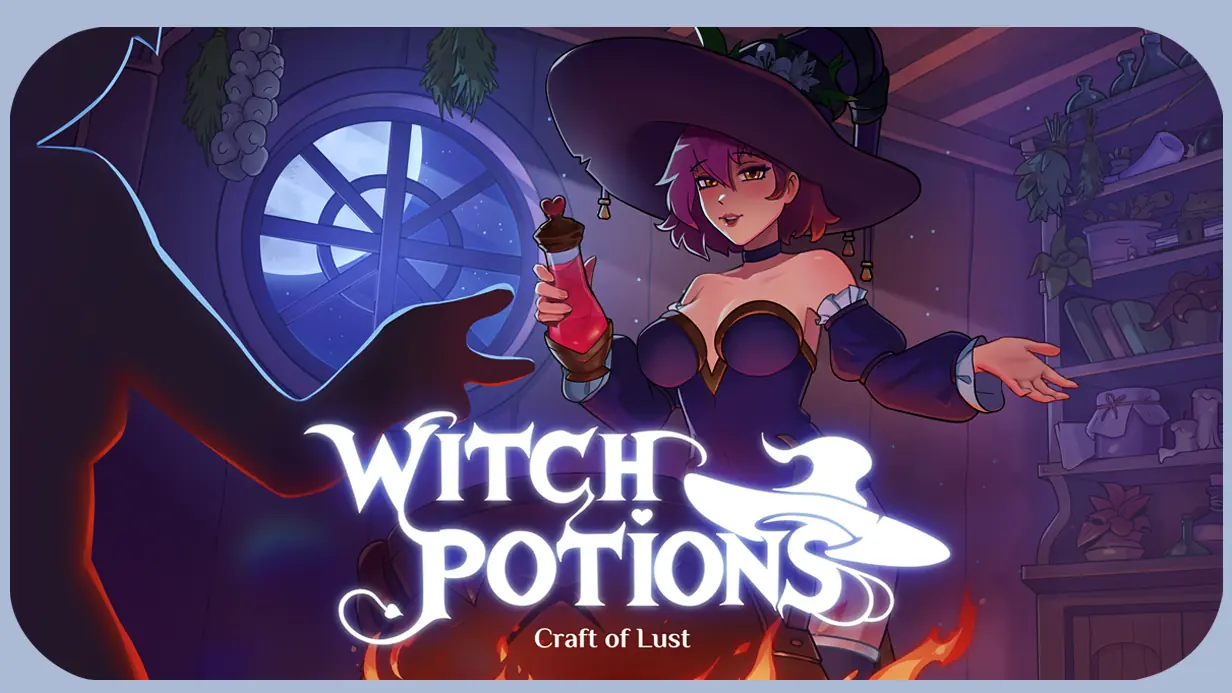
Step into the role of a young witch, Rena, who finds herself in an extraordinary world. There are no gods or religions here, but plenty of powerful entities and mysterious cults. The skies are filled with airships, the roads are raced by steam-powered carriages, but you can easily encounter wizards, demons, fascinating races, and visitors from other worlds.
Visitors will come to you for advice or to buy potions to solve their problems. But will you choose to help them? After all, you can deceive or persuade your guests, steer them toward the light or the dark (depending on what benefits you the most), force them into servitude, or win them over with kindness. No one will judge you—this is your story! And not every healing potion will serve a noble purpose, nor will a tangle of tentacles always turn your guest into a true monster. Seduce or leave them yearning, make influential friends and get rid of enemies, help heroes or villains! The game remembers all your actions, and sooner or later, they will impact the narrative branches.
Power and glory, fear and bravery, honor and deceit—these are mere words to someone who has donned a witch's hat and stood by the cauldron. Your craft unlocks countless possibilities; you just have to choose the path Rena will take.
Extract and run.
No patch notes available.
- Dual Core Pentium or equivalent Processor.
- Intel HD 2000 or equivalent Graphics.
- 601.65 MB of free disk space (Recommended to have twice as much free disk space).
Witch Potions - Craft of Lust - Ongoing - v.0.2.5a Download Links
Witch Potions - Craft of Lust is a porn game made on Unity game engine.
The current available version is v.0.2.5a.
The contents of the game are Uncensored. Witch Potions - Craft of Lust is developed by WitchPotion.
Please support the developer if you want continued development.
Download links are gathered from public sources. We do not host or modify contents.
Walkthrough and Guide
Gallery Unlocker Win: FILEKNOT
Gallery Unlocker BepInEX w/ Mod (64bit): FILEKNOT
Gallery Unlocker (v0.1.07) Installation:
1. Download and install BepInEx Il2Cpp 6.x in your game folder (where the .exe is located)
2. Run the game once. This will let BepInEx set up the necessary folders.
3. Download the gallery unlocker mod
4. Unpack the archive. Copy the .dll file into BepInEx/plugins (create the plugins folder if it doesn't exist)
5. Run the game again. The gallery will now be fully unlocked!
Gallery Unlocker Troubleshooting (Read if the patch is not working):
- Make sure you have the right BepInEx for your OS and for Il2Cpp games (BepInEx v6.0.0 and choose x64 if your OS is 64bits and x86 for 32bits)
- Make sure you followed the instructions and copied the plugin to BepInEx/plugins
- Run the game as administrator
- Disable antivirus (BepInEx and Harmony injection can trigger your antivirus)
- Make sure your path doesn't have weird characters or is too long
- If the gallery is still locked, make sure you're using the Il2Cpp build, not a Mono build
- If the plugin doesn't load, check your BepInEx install – is the console popping up when the game launches?
- For Il2Cpp patches: You may need internet access on first run for Il2CppInterop
- Still stuck? Post your BepInEx log or error message in the thread!
Gallery Unlocker BepInEX w/ Mod (64bit): FILEKNOT
Gallery Unlocker (v0.1.07) Installation:
1. Download and install BepInEx Il2Cpp 6.x in your game folder (where the .exe is located)
2. Run the game once. This will let BepInEx set up the necessary folders.
3. Download the gallery unlocker mod
4. Unpack the archive. Copy the .dll file into BepInEx/plugins (create the plugins folder if it doesn't exist)
5. Run the game again. The gallery will now be fully unlocked!
Gallery Unlocker Troubleshooting (Read if the patch is not working):
- Make sure you have the right BepInEx for your OS and for Il2Cpp games (BepInEx v6.0.0 and choose x64 if your OS is 64bits and x86 for 32bits)
- Make sure you followed the instructions and copied the plugin to BepInEx/plugins
- Run the game as administrator
- Disable antivirus (BepInEx and Harmony injection can trigger your antivirus)
- Make sure your path doesn't have weird characters or is too long
- If the gallery is still locked, make sure you're using the Il2Cpp build, not a Mono build
- If the plugin doesn't load, check your BepInEx install – is the console popping up when the game launches?
- For Il2Cpp patches: You may need internet access on first run for Il2CppInterop
- Still stuck? Post your BepInEx log or error message in the thread!