Ren'Py Ongoing 3DCGAhegaoAnimatedBig AssBig TitsCheatingCreampieFemale DominationFemale ProtagonistGropingGroup SexHandjobHumorLesbianMILFMale DominationMasturbationMobile GameMultiple protagonistNetorareOral SexProstitutionRomanceSpankingStrippingTeasingTitfuckVaginal SexVisual NovelVoyeurism AndroidLinuxMacWindows
Screenshots
Genres
3DCG Ahegao Animated Big Ass Big Tits Cheating Creampie Female Domination Female Protagonist Groping Group Sex Handjob Humor Lesbian MILF Male Domination Masturbation Mobile Game Multiple protagonist Netorare Oral Sex Prostitution Romance Spanking Stripping Teasing Titfuck Vaginal Sex Visual Novel Voyeurism
Game Description
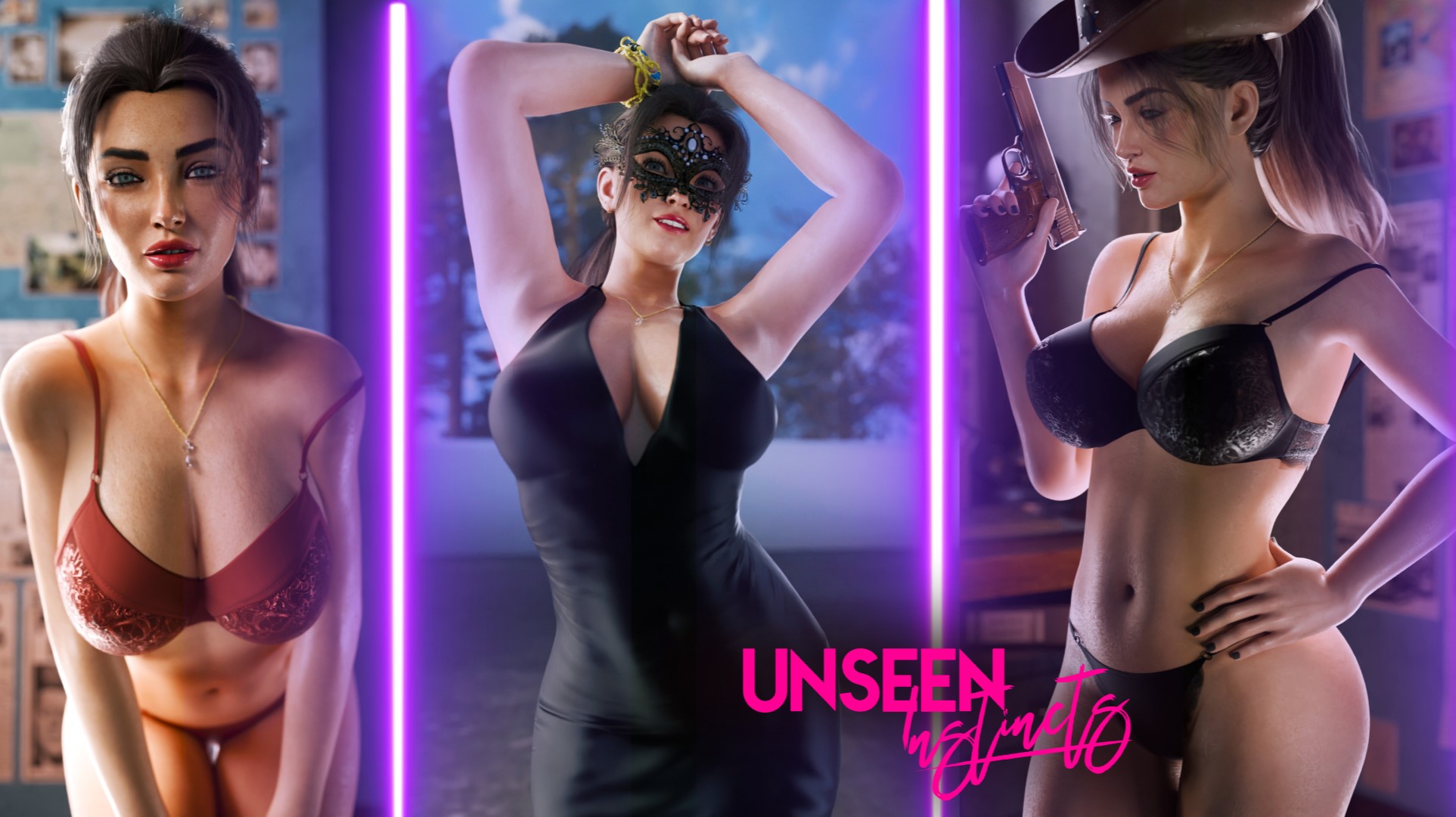
A series of murders in the city of Odyssey has thrown the police department into disarray. The victims, five of them, were all brutally slain, and the killer remains at large, with no apparent motive and no clues to go on. Enter Detective Nicole, a brilliant and strikingly beautiful investigator with a sharp mind and a fiery spirit. Will Nicole and her police colleagues be able to apprehend the murderer, or will she become entangled in a web of deceit? Put yourself in Nicole's shoes to find out.
Extract and Run.
No patch notes available.
- Dual Core Pentium or equivalent Processor.
- Intel HD 2000 or equivalent Graphics.
- 2.26 GB of free disk space (Recommended to have twice as much free disk space).
Unseen Instincts - Ongoing - v.0.70b Download Links
Unseen Instincts is a porn game made on Ren'Py game engine.
The current available version is v.0.70b.
The contents of the game are Uncensored. Unseen Instincts is developed by DemonLad.
Please support the developer if you want continued development.
Download links are gathered from public sources. We do not host or modify contents.
Walkthrough and Guide
Multi Mod: FILEKNOT
Multi Mod Installation:
Extract the Zip and move the files and the folder scripts to the ../game folder
Pinup Gallery Mod: FILEKNOT
Pinup Gallery Mod Installation:
Multi Mod Installation:
Extract the Zip and move the files and the folder scripts to the ../game folder
Pinup Gallery Mod: FILEKNOT
Pinup Gallery Mod Installation:
INSTALL:
1. Unzip file
2. Copy contents to /game folder in the game install directory
UNINSTALL:
1. Delete asahibitomodgal.rpa
1. Unzip file
2. Copy contents to /game folder in the game install directory
UNINSTALL:
1. Delete asahibitomodgal.rpa
Pinup Gallery Mod Features:
Filter gallery by multiple tags.
There is also an optional Unlock/Relock Unseen button. Due to Renpy limitation viewing a scene unlocked through the button will unlock it permanently.
During replay, right-click and choose "End Replay" to stop replay and return to gallery.
When viewing images can toggle between actual size or fit to screen if applicable. If actual size is larger than screen, image can be scrolled around.
Keyboard Navigation:
G - From main menu, opens gallery
Up/Down Arrow - In Scroll View, Scroll Up/Down the List
PgUp/PgDn - In Scroll View, Scroll Up/Down by 1 screen at a time
Home/End - In Scroll View, Jump to Top/Bottom of List
F - Open Filter screen
U - Unlock/Relock button
X - Exit filter screen, rename screen, image viewer or replay if applicable
Z - In image viewer - toggle actual size or fit to screen
H - In image viewer - hide buttons for UI free viewing
C - In Filter screen - Clear all filters
NOTE:
The mod does not change any game files
There is also an optional Unlock/Relock Unseen button. Due to Renpy limitation viewing a scene unlocked through the button will unlock it permanently.
During replay, right-click and choose "End Replay" to stop replay and return to gallery.
When viewing images can toggle between actual size or fit to screen if applicable. If actual size is larger than screen, image can be scrolled around.
Keyboard Navigation:
G - From main menu, opens gallery
Up/Down Arrow - In Scroll View, Scroll Up/Down the List
PgUp/PgDn - In Scroll View, Scroll Up/Down by 1 screen at a time
Home/End - In Scroll View, Jump to Top/Bottom of List
F - Open Filter screen
U - Unlock/Relock button
X - Exit filter screen, rename screen, image viewer or replay if applicable
Z - In image viewer - toggle actual size or fit to screen
H - In image viewer - hide buttons for UI free viewing
C - In Filter screen - Clear all filters
NOTE:
The mod does not change any game files