Ren'Py Ongoing 3DCGAdventureAnal SexAnimatedBig AssBig TitsCreampieDating SimFantasyFemale DominationGropingHandjobHaremIncestInterracialLesbianMILFMale DominationMale ProtagonistMasturbationMultiple penetrationNetorareOral SexParodySandboxSchool SettingSci-FiSex ToysSwingingTeasingTitfuckVaginal Sex LinuxMacWindows
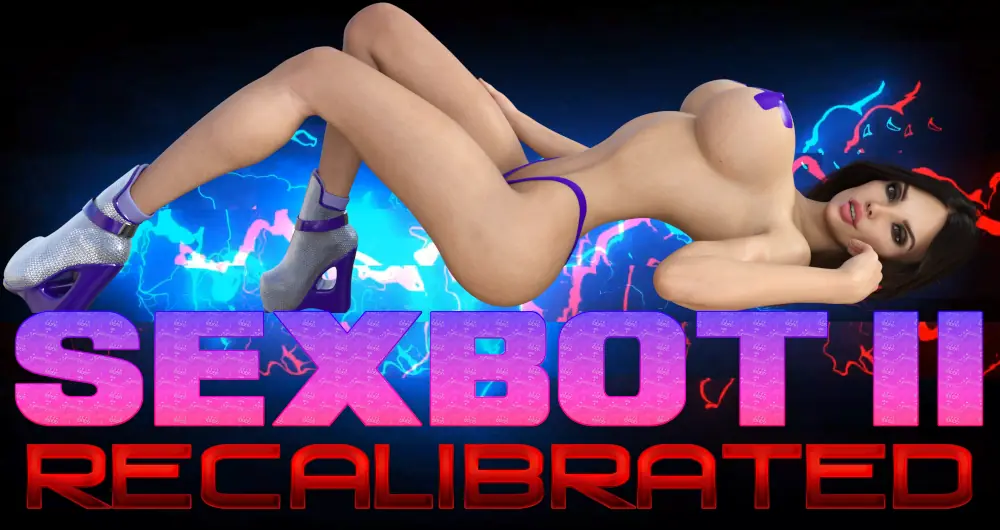
Sexbot II: Recalibrated
Ongoing v.2.07 Beta
- Developer
- LlamaMann Games
- Release Date
- 13 March, 2026
- Engine
- Ren'Py
- Censorship
- Uncensored
- Size
- 1.81 GB
- Version
- 2.07 Beta
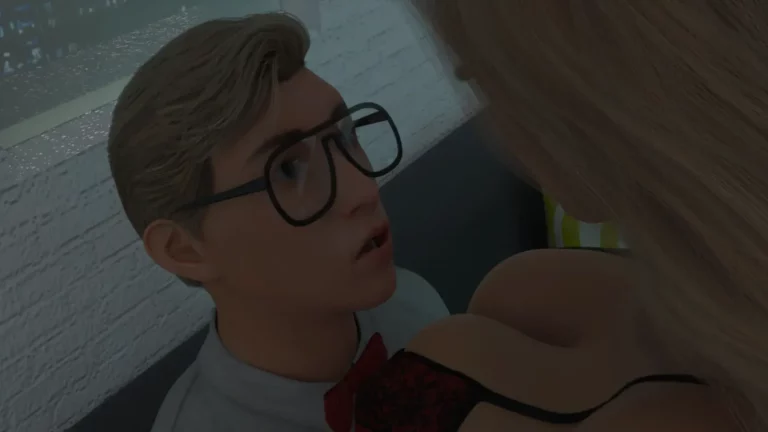
Screenshots
Genres
3DCG Adventure Anal Sex Animated Big Ass Big Tits Creampie Dating Sim Fantasy Female Domination Groping Handjob Harem Incest Interracial Lesbian MILF Male Domination Male Protagonist Masturbation Multiple penetration Netorare Oral Sex Parody Sandbox School Setting Sci-Fi Sex Toys Swinging Teasing Titfuck Vaginal Sex
Game Description
The continuation of SexBot.
Extract and run.
No patch notes available.
- Dual Core Pentium or equivalent Processor.
- Intel HD 2000 or equivalent Graphics.
- 1.81 GB of free disk space (Recommended to have twice as much free disk space).
Sexbot II: Recalibrated - Ongoing - v.2.07 Beta Download Links
Sexbot II: Recalibrated is a porn game made on Ren'Py game engine.
The current available version is v.2.07 Beta.
The contents of the game are Uncensored. Sexbot II: Recalibrated is developed by LlamaMann Games.
Please support the developer if you want continued development.
Download links are gathered from public sources. We do not host or modify contents.
Walkthrough and Guide
SB2 Patches: FILEKNOT - ANONZIP
Custom Wallpaper Mod: FILEKNOT - ANONZIP
Custom Wallpaper Mod v2.0.0: FILEKNOT - ANONZIP
Custom Wallpaper Mod v2.0.1: FILEKNOT - ANONZIP
Custom Wallpaper Mod Installation:
To install, simply unpack it into the Games directory. To add a custom wallpaper just put it into "game/images/wallpaper"
Gallery Mod: FILEKNOT - ANONZIP
Gallery Mod Installation:
1. Unzip file
2. Copy contents to /game folder in the game install directory
Gallery Mod Features:
Names and Relationships can be changed from defaults.
Toggle between gallery view types - Page or Scroll - by clicking on the ellipses button bottom of screen.
The chosen view type will be remembered for next game launch.
Filter gallery by multiple tags.
There is also an optional Unlock/Relock Unseen button. Due to Renpy limitation viewing a scene unlocked through the button will unlock it permanently.
During replay, right-click and choose "End Replay" to stop replay and return to gallery.
When viewing images can toggle between actual size or fit to screen if applicable. If actual size is larger than screen, image can be scrolled around.
The supplementary file unlocks the in-game gallery. Both files can be used independently of each other.
Keyboard Navigation:
G - From main menu, opens gallery
V - Change Page/Scroll View
Left/Right Arrow - In Page View, Prev/Next Page
Ctrl + Left/Right Arrow - In Page View, First/Last Page
#1-9: In Page View, Jump to 1st through 9th Page respectively
#0: In Page View, Jump to Last Page
Up/Down Arrow - In Scroll View, Scroll Up/Down the List
PgUp/PgDn - In Scroll View, Scroll Up/Down by 1 screen at a time
Home/End - In Scroll View, Jump to Top/Bottom of List
F - Open Filter screen
N - Open Rename screen
U - Unlock/Relock button
X - Exit filter screen, rename screen, image viewer or replay if applicable
Z - In image viewer - toggle actual size or fit to screen
H - In image viewer - hide buttons for UI free viewing
C - In Filter screen - Clear all filters
Unlocker File:
U - Displays mod is active message.
J - Increment jumps variable to unlock the secret V replay section.
NOTE:
The mod does not change any game files
Custom Wallpaper Mod: FILEKNOT - ANONZIP
Custom Wallpaper Mod v2.0.0: FILEKNOT - ANONZIP
Custom Wallpaper Mod v2.0.1: FILEKNOT - ANONZIP
Custom Wallpaper Mod Installation:
To install, simply unpack it into the Games directory. To add a custom wallpaper just put it into "game/images/wallpaper"
Gallery Mod: FILEKNOT - ANONZIP
Gallery Mod Installation:
1. Unzip file
2. Copy contents to /game folder in the game install directory
Gallery Mod Features:
Names and Relationships can be changed from defaults.
Toggle between gallery view types - Page or Scroll - by clicking on the ellipses button bottom of screen.
The chosen view type will be remembered for next game launch.
Filter gallery by multiple tags.
There is also an optional Unlock/Relock Unseen button. Due to Renpy limitation viewing a scene unlocked through the button will unlock it permanently.
During replay, right-click and choose "End Replay" to stop replay and return to gallery.
When viewing images can toggle between actual size or fit to screen if applicable. If actual size is larger than screen, image can be scrolled around.
The supplementary file unlocks the in-game gallery. Both files can be used independently of each other.
Keyboard Navigation:
G - From main menu, opens gallery
V - Change Page/Scroll View
Left/Right Arrow - In Page View, Prev/Next Page
Ctrl + Left/Right Arrow - In Page View, First/Last Page
#1-9: In Page View, Jump to 1st through 9th Page respectively
#0: In Page View, Jump to Last Page
Up/Down Arrow - In Scroll View, Scroll Up/Down the List
PgUp/PgDn - In Scroll View, Scroll Up/Down by 1 screen at a time
Home/End - In Scroll View, Jump to Top/Bottom of List
F - Open Filter screen
N - Open Rename screen
U - Unlock/Relock button
X - Exit filter screen, rename screen, image viewer or replay if applicable
Z - In image viewer - toggle actual size or fit to screen
H - In image viewer - hide buttons for UI free viewing
C - In Filter screen - Clear all filters
Unlocker File:
U - Displays mod is active message.
J - Increment jumps variable to unlock the secret V replay section.
NOTE:
The mod does not change any game files